If you run a Print on Demand (POD) store on Etsy using Printify, Printful, Gelato, or Awkward Styles, you have probably experienced this specific nightmare:
You spend three weeks creating original graphic apparel, setting up 1-click API integration from your POD dashboard, and fine-tuning your keywords. The orders start trickling in. Then, without warning, an automated email hits your inbox:
⚠️ "We have deactivated one or more of your listings because they do not meet Etsy’s Handmade Policy or Creativity Standards."
Panic sets in. You designed the artwork yourself in Illustrator. You did not buy cheap pre-made clipart packs from shady forums. Why is Etsy treating your shop like an unauthorized dropshipper or AliExpress reseller?
The answer comes down to a single setting in your Etsy Shop Manager that over 70% of new POD sellers completely overlook: The Production Partner Disclosure.
!Etsy Print on Demand Creator Studio Workspace

Many creators mistakenly assume that connecting Printify or Printful via Etsy's official API app integration automatically handles all marketplace compliance. It does not.
Etsy's automated inspection crawlers inspect fulfillment metadata, parcel tracking origins, carrier scans, and dispatch addresses. When an order marked "Handmade in Dallas, Texas" gets picked up by a DHL eCommerce sorting hub in Charlotte, North Carolina or Norcross, Georgia without a formal production partner declared on that listing, Etsy's fraud and reselling bots trigger an automated listing freeze.
In this comprehensive policy guide, we break down Etsy's updated Creativity Standards for Print on Demand, show you the exact step-by-step method to declare external printers, provide proven disclosure templates for every major POD platform, and share our margin-protection framework using the Print on Demand Profit Calculator.
---
The Direct Answer: Do You Have to Disclose Printify and Printful on Etsy?
Yes. Absolutely and without exception.
Under Etsy's official seller policies and updated Creativity Standards, selling products manufactured, printed, or fulfilled by an outside third party is 100% permitted—provided you meet two strict legal criteria:
1. Original Design Authorship: You must be the original designer or conceptual creator of the artwork, pattern, graphic, or custom text printed onto the item. 2. Transparent Partner Disclosure: You must explicitly declare the commercial printing facility as a "Production Partner" inside your listing configuration.
       ETSY'S PRINT ON DEMAND COMPLIANCE FORMULA:
┌────────────────────────────────────────────────────────┐
│  Original Design Created by You (Illustration / Text)  │
│                         +                              │
│  Transparent Production Partner Disclosure in Backend   │
│                         +                              │
│  Accurate Shipping Origin ZIP Matching the Print Hub   │
│                         ▼                              │
│  = 100% Policy-Compliant, Suspension-Proof POD Shop    │
└────────────────────────────────────────────────────────┘
The Reselling Rule: If you purchase pre-printed shirts in bulk from a manufacturer and resell them without modifying them, or if you license ready-made designs where you had zero artistic input, Etsy considers this unauthorized reselling. Under Etsy's updated rules, reselling non-vintage, non-craft supply physical items is grounds for immediate, permanent account termination.
---
Where Print on Demand Fits in Etsy's "Creativity Standards"
In July 2024, Etsy officially retired the ambiguous "Handmade" umbrella label and rolled out four distinct Creativity Standards:
| Category Label | Official Etsy Definition | Does POD Belong Here? | | :--- | :--- | :--- | | "Made by a seller" | Physical items physically crafted, sewn, or assembled by your own hands in your personal workspace. | ❌ No. (Selecting this for Printify/Printful items is fraud). | | "Designed by a seller" | Original designs conceptualized by you, but produced or printed by an external manufacturing/production partner. | ✅ YES. This is the mandatory category for all POD. | | "Sourced by a seller" | Personalized gift baskets, curated craft supplies, or custom party packs sourced from multiple vendors. | ❌ No. | | "Handpicked by a seller" | Authentic vintage items (20+ years old) or authenticated natural specimens curated by the seller. | ❌ No. |
When you list a POD item, choosing "Designed by a seller" instructs Etsy's algorithm that you are an independent creator collaborating with a specialized printing partner. This immediately safeguards your listings against automated "not handmade" deactivation sweeps.
---
How Etsy's Automated Bots Catch Undisclosed POD Sellers
You might wonder: If I don't disclose my print provider, how does Etsy even know?
Etsy processes over 90 million active listings. They do not have human auditors manually reviewing every t-shirt or ceramic mug. Instead, they rely on automated cross-referencing algorithms:
                  HOW ETSY'S BOT DETECTS HIDDEN POD:
┌─────────────────────────────────────────────────────────────────┐
│ 1. Seller Shop Profile states: "Located in Austin, TX"          │
│ 2. Listing Setting states: "Made by Me" (No Partner Disclosed)  │
│ 3. Tracking Number Uploaded: USPS Ground Advantage              │
│ 4. Carrier Initial Scan: USPS Hub in San Jose, CA (Printful)   │
│ 5. Discrepancy Detected: 1,300-mile geographic disconnect       │
│                               ▼                                 │
│ Algorithmic Flag: "Suspected Unauthorized Dropshipper / Reseller│
│                               ▼                                 │
│ Automated Action: Listing Deactivated or Shop Shadowbanned      │
└─────────────────────────────────────────────────────────────────┘
Furthermore, automated reverse-image scrapers scan listing mockups across the web. If your main hero image uses a generic, unedited mockup that appears on 400 other websites, the crawler automatically flags your listing for manual review. (You can generate clean, compliant mockups using our Free Etsy Mockup Generator).
---
Step-by-Step: How to Add a Production Partner in Etsy Shop Manager
Configuring your production partner takes less than three minutes, and once created, you can apply it to hundreds of listings simultaneously.
Step 1: Open Production Partner Settings
1. Log in to your Etsy Shop Manager. 2. In the left navigation sidebar, click on Settings $\rightarrow$ Production partners. 3. Click the black button: "Add a new production partner".Step 2: Enter Partner Information
Etsy presents several fields. Here is how to fill them out accurately:Production partner: Enter the real business name (e.g., Printify, Printful, Gelato, or the specific print house like Monster Digital*).
Step 3: Answering the 3 Compliance Questions (CRITICAL)
This is where many sellers inadvertently ban themselves by choosing incorrect options. Etsy asks three multiple-choice questions:
#### Question 1: "Why are you working with this partner?" ✅ Select: "I don't have the technical equipment or physical capacity to produce this item myself."* ❌ Never select:* Anything indicating that the partner creates the designs or sells finished goods.
#### Question 2: "What is your role in the design process?" ✅ Select: "I design every item myself from scratch" or "I create technical specifications and artwork for my products."* ❌ Never select: "They provide the designs" or "I select from their pre-existing catalog."* Selecting either immediately tags your item as a resold commercial product.
#### Question 3: "What is the partner's role in the production process?" ✅ Select: "They print, assemble, package, and ship the finished product on my behalf."*
Click Save partner.
Step 4: Link the Partner to Your Listings
1. Navigate to Shop Manager $\rightarrow$ Listings. 2. Select your POD listings using the checkboxes. 3. Click Editing options $\rightarrow$ Change production partners. 4. Check the box next to your new partner profile and click Apply.You can also run your full listing text through our Etsy Listing Pre-Flight Checker to verify that your titles, tags, and category metadata comply with all current Etsy guidelines.
---
Production Partner Cheat-Sheet: What to Write for Major POD Providers
To save you guesswork, here are the exact verified configurations for the top print-on-demand platforms:
1. Printify
2. Printful
3. Gelato
4. Awkward Styles / Monster Digital
---
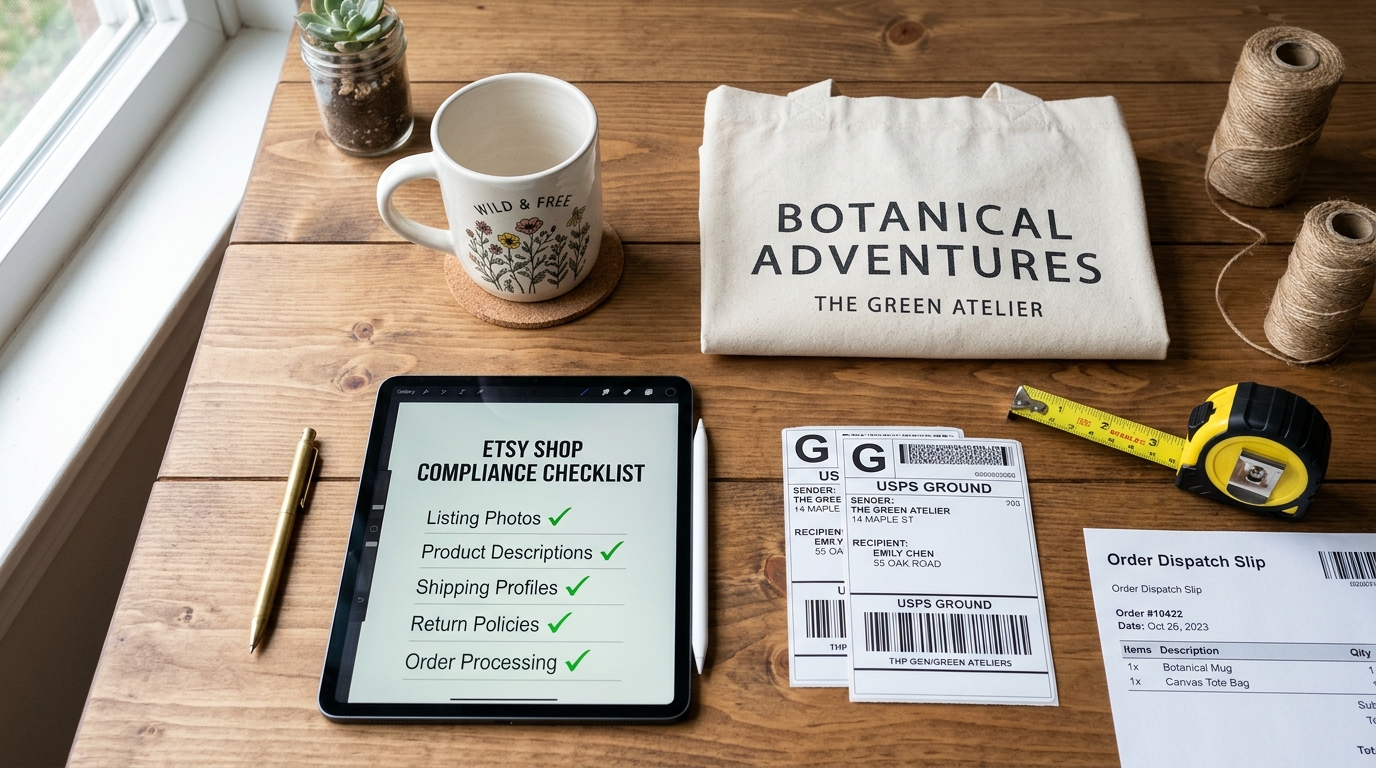
!Etsy POD Compliance Audit Flat Lay
---
Real-World Case Study: How Alex Rescued a $14,000/mo POD Shop in 36 Hours
Alex operates Wildflower Haven Co., an Etsy store specializing in vintage botanical sweatshirts and cottagecore tote bags. By August 2024, his shop was averaging $14,200 in monthly gross merchandise volume (GMV).
On a Monday morning, Alex woke up to discover that his four best-selling listings (responsible for 65% of his store revenue) had been summarily deactivated by Etsy's policy bots.
What Caused the Flag?
Alex had connected Printify via API six months prior. He assumed the API handled compliance. However: 1. His shop location was set to Portland, Oregon. 2. His four listings had the production partner toggle unchecked. 3. His Printify print provider was Monster Digital in Miami, Florida. 4. When tracking scans repeatedly pinged USPS sorting centers in Florida, Etsy's automated anomaly detection flagged the items for "unauthorized dropshipping / retail arbitrage."The 36-Hour Recovery Plan
Alex immediately took three systematic steps: 1. Added Production Partner Profiles: He created verified partner profiles for Printify and Monster Digital with full descriptions of his design workflow in Adobe Illustrator. 2. Bulk-Updated Listing Metadata: He applied the production partner to all 120 listings in his shop catalog. 3. Submitted an Evidence-Backed Appeal: Rather than submitting an angry message, Alex filed a concise support ticket containing:The Result: Within 36 hours, Etsy Trust & Safety replied, confirmed his compliance, and restored all deactivated listings with search rank, organic impressions, and Star Seller eligibility completely intact.
---
The Hidden Trap: Margin Collapse in Print on Demand
While staying policy-compliant keeps your doors open, understanding your true net margins is what keeps your business solvent.
Too many POD beginners price a Bella+Canvas 3001 t-shirt at $24.99 with free shipping, calculate a $13.50 Printify production cost, and assume they are pocketing $11.49 in profit.
They forget to deduct the compounding layers of Etsy marketplace cuts:
| Cost / Fee Component | Amount on a $24.99 Sale | Cumulative Net Profit | | :--- | :--- | :--- | | Gross Retail Price | $24.99 | +$24.99 | | POD Production & Printing (Printify/Printful) | -$13.50 | +$11.49 | | Shipping Cost to Customer | -$4.75 | +$6.74 | | Etsy Listing Fee | -$0.20 | +$6.54 | | Etsy Transaction Fee (6.5% on $24.99) | -$1.62 | +$4.92 | | Payment Processing Fee (3% + $0.25) | -$1.00 | +$3.92 | | Offsite Ads Fee (if triggered at 15%) | -$3.75 | +$0.17 |
If an Offsite Ad drives that order, your $11 profit shrivels to 17 cents—and if the customer requests a size exchange or reports a transit delay, you take an immediate out-of-pocket loss.
Before launching or pricing any POD listing, run the numbers through our free Print on Demand Profit Calculator and check overall fees with the Etsy Fee Calculator to ensure you maintain a minimum 35% healthy gross margin buffer.
---
The Emergency 6-Point POD Compliance Checklist
Before you publish your next print-on-demand design, run through this quick audit:
1. [ ] Original Artwork Verification: Ensure your design contains original illustrations, custom fonts, or transformative artistic elements. (Never use raw, unmodified third-party stock vectors). 2. [ ] Active Production Partner: Confirm that your POD manufacturer is saved under Settings $\rightarrow$ Production partners. 3. [ ] Listing Association: Verify that the checkbox for your production partner is checked on the listing edit screen. 4. [ ] Shipping Profile Origin: Ensure your shipping profile's "Origin ZIP / Postal Code" reflects the region where your print provider physically dispatches packages (not your home bedroom). 5. [ ] Accurate Processing Times: Match your Etsy dispatch window (e.g., 3–5 business days) to your print provider's real production turnaround to avoid late shipment flags. 6. [ ] Prohibited Keyword Scan: Run your titles and tags through the Etsy Prohibited Items Scanner to catch accidental trademark infringements (like Onesie, Velcro, or designer brand names).
---