An Etsy red banner policy warning notice is an algorithmic probation flag indicating that automated bots flagged a policy issue (such as prohibited medical claims or brand keywords), an identity/tax verification mismatch (INFORM Consumers Act), or a sudden fulfillment surge. It is not an instant permanent ban: sellers enter a 48-to-72-hour grace period to delete non-compliant listings or upload verified documentation before escalation.
There is no moment in an e-commerce seller's day quite as stomach-dropping as logging into your Shop Manager on a random Tuesday morning and seeing a bright, urgent red banner plastered across the top of your dashboard.
The notice usually reads something ominous:
⚠️ "Important: Your shop has been flagged for a policy review. Some listing privileges or payouts may be temporarily restricted while we review your account."
Your heart races. You wonder if your bank account is frozen, whether your listings are still visible in search, or if years of hard work building customer reviews are about to vanish into an irreversible permanent suspension.
Here is the most critical fact you need to understand right now:
A red banner policy warning notice is NOT a permanent suspension—yet.
It is an algorithmic probation flag. It means Etsy's automated monitoring bots detected a discrepancy in your listing metadata, banking identity, intellectual property risk profile, or fulfillment velocity.
You have entered a critical 48-to-72-hour grace window. What you do next determines whether your shop is cleared and restored to full search visibility, or permanently closed by an automated bot.
In this comprehensive emergency guide, we break down the 4 distinct types of Etsy red banner warnings, the exact automated triggers behind them, and the step-by-step audit protocol to clear the notice safely.
---
Quick Diagnostic: Which Red Banner Do You Have?
Etsy uses several variations of dashboard alerts. Diagnosing the exact root cause requires identifying the specific wording inside the banner:
| Red Banner Message Profile | Primary Algorithmic Trigger | Shop Impact Severity | Immediate Required Action | | :--- | :--- | :--- | :--- | | "Identity / Tax Info Verification Required" | Plaid bank mismatch, SSN/EIN discrepancy, expired government ID | Payouts frozen; listings remain visible in search | Upload legal ID matching bank account name letter-for-letter | | "Policy Review: Prohibited Items Detected" | AI bot flagged trigger words (medical claims, embargoed regions, drug terminology) | Specific listings deactivated; search rank throttled | Audit catalog with Listing Checker & remove flagged terms | | "Intellectual Property / DMCA Warning" | Brand name in tags/titles (Disney, Nike, Velcro, Onesie, NFL) | Final warning before account termination | Delete all trademarked phrases; do not relist deactivated items | | "Order Fulfillment & Service Review" | Sudden sales spike, untracked parcels, late dispatch, open cases | Reserve placed on funds; shop search ranking dampened | Upload valid tracking scans & clear open buyer messages within 24 hours |
        ETSY'S AUTOMATED POLICY BOT ESCALATION LADDER:
┌────────────────────────────────────────────────────────────────┐
│ STAGE 1: Algorithmic Flagging (Hour 0 - 24)                     │
│  • AI text bot flags listing title, tag, or tax mismatch       │
│  • Red Warning Banner appears on Shop Manager                  │
│  • Listings remain active, but indexing is throttled           │
├────────────────────────────────────────────────────────────────┤
│ STAGE 2: Search Suppression / Shadowban (Hour 24 - 72)          │
│  • If seller ignores banner or makes hurried, panicked edits   │
│  • Listings pushed to page 20+ of search results               │
│  • Payment reserve or payout freeze initiated                  │
├────────────────────────────────────────────────────────────────┤
│ STAGE 3: Permanent Deactivation (Day 4 - 7)                    │
│  • System marks account as non-compliant                       │
│  • Red banner turns into "Your account is permanently suspended"│
│  • Appeals process becomes complex and slow                     │
└────────────────────────────────────────────────────────────────┘
---
The 4 Root Causes Behind the Red Banner Warning
1. The Innocent Medical & Drug Claim Trigger
Etsy's automated text scanners patrol listings 24/7. They do not understand creative nuance or metaphor. If you sell bath salts, soy candles, essential oils, or herbal teas, any vocabulary implying physical healing triggers an automatic policy warning.Words that trigger immediate red banners:
Even stating that a lavender bath bomb provides "stress relief" can trip automated FDA compliance filters.
2. Accidental Trademark Infringement
Many sellers mistakenly believe that if an item is handmade, they can use brand names as descriptors. This is the fastest route to an irreversible red banner.The most common trap words:
If a rights owner files a formal DMCA notice, Etsy displays the red banner and deactivates the item. Accumulating two or three DMCA flags within a 90-day window triggers permanent account closure.
3. Identity & Plaid Banking Mismatch
Under the federal INFORM Consumers Act, Etsy is legally required to verify seller identities. The red banner will lock your dashboard if there is even a minor discrepancy between:If your Etsy account name is "Sarah Smith" but your bank account is under your maiden name "Sarah Jones", the automated verification will fail, triggering a persistent red verification alert.
4. Fulfillment Velocity & Tracking Gaps
If your shop goes viral on TikTok and you jump from 5 orders a week to 75 orders in a weekend, Etsy's fraud detection algorithms trigger an automated account review.If you fulfill orders using untracked envelopes, purchase third-party stamps outside Etsy, or miss your stated dispatch deadlines, the algorithm interprets the sudden volume spike as a fulfillment risk.
---
Real-World Case Study: How Hannah Saved Her Shop in 48 Hours
Hannah runs a successful handmade jewelry shop from Austin, Texas, generating $4,200/month.
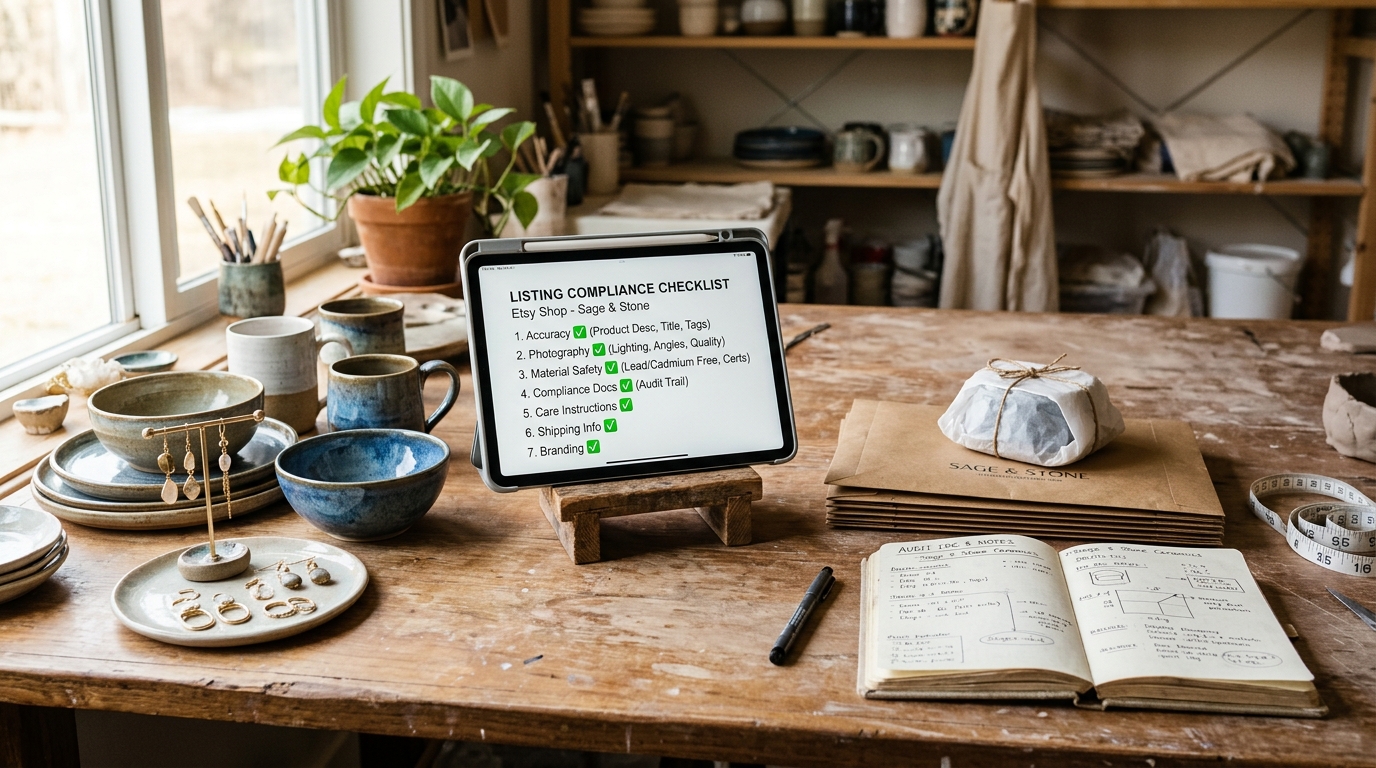
!Artisan workbench with jewelry and an iPad displaying a listing compliance checklist
The Crisis
On a Thursday morning, Hannah opened her dashboard and found the dreaded red banner:"Your shop is currently under review for a potential policy violation. Listing creation has been temporarily paused."
Hannah panicked. Her initial instinct was to submit 5 support tickets and aggressively message Etsy on Twitter. When that yielded automated canned responses, she methodically audited her listings.
The Audit Discovery
Hannah ran her catalog through the Etsy Prohibited Items Scanner. Within 3 minutes, the tool flagged two recent listings: 1. A raw crystal pendant described as: "Natural Amethyst Necklace for Chakra Balancing and Depression Healing". (Trigger: medical claims filter). 2. A vintage brass keychain tagged with: "Vintage Cuban Cigar Box Style". (Trigger: OFAC sanctions filter banning references to Cuba, even for vintage aesthetic descriptions).The 48-Hour Resolution
Instead of arguing with support: 1. Hannah deleted both offending listings completely from her shop rather than trying to edit and save them. 2. She audited all remaining 140 listings for hidden brand names or origin traps. 3. She submitted a single, polite message through the official appeal portal: > "Hello Trust & Safety Team. I identified two listings that inadvertently included prohibited health claims and geographic embargo keywords. Both listings have been permanently deleted, and our full catalog has been audited against Etsy's House Rules. We request a review to clear our account alert." 4. Exactly 34 hours later, the red banner disappeared, her listing privileges were restored, and her search ranking rebounded within 4 days.---
The Emergency 5-Step Checklist to Clear the Red Banner
If you have a red banner on your shop right now, follow this exact sequence:
┌────────────────────────────────────────────────────────────────────────┐
│            EMERGENCY 5-STEP PROTOCOL FOR RED BANNER REMOVAL            │
├────────────────────────────────────────────────────────────────────────┤
│ 1. DO NOT RUSH TO CREATE A NEW SHOP                                    │
│    Creating a secondary shop while one is under review links your IP,  │
│    tax ID, and device fingerprint, resulting in an instant permanent   │
│    ban on both stores.                                                 │
│                                                                        │
│ 2. LOCATE THE OFFENDING METADATA FIRST                                 │
│    Check your email (including spam/promotions) for notifications from │
│    policy@etsy.com or integrity@etsy.com. Identify the exact listing.   │
│                                                                        │
│ 3. RUN A FULL CATALOG AUDIT WITH LISTINGGUARD                          │
│    Scan your titles, tags, and descriptions with our                   │
│    Etsy Prohibited Items Scanner.      │
│                                                                        │
│ 4. REMOVE OR REVISE FLAGGED ITEMS METHODICALLY                         │
│    If a listing received a formal DMCA notice, delete it completely.   │
│    Do NOT attempt to relist it under a slightly altered title.         │
│                                                                        │
│ 5. SUBMIT ONE CLEAN, EVIDENCE-BACKED APPEAL                            │
│    Keep your message professional, factual, and concise. Never accuse  │
│    the algorithm or argue. State what was fixed and provide evidence.  │
└────────────────────────────────────────────────────────────────────────┘
Step 1: Check Your Email Headers and Junk Folder
Whenever Etsy triggers a policy banner, an automated notification is sent to the primary email registered to your account.Step 2: Audit All 13 Tags and Descriptions
Bots scan your entire listing body, not just your title. Even if your title is completely benign, a single banned keyword buried in Tag 11 or paragraph 4 of your description can trip the algorithm.Step 3: Match Bank Account Names Letter-for-Letter
If your red banner mentions payment or banking verification:Step 4: Dispatch Pending Orders with Valid Tracking
If the banner is fulfillment-related:---
Frequently Asked Questions (FAQ)
Can I still receive sales while the red banner is active?
In many cases, yes. Unless your banner explicitly states that your storefront is closed or suspended, buyers can still purchase existing active listings. However, Etsy frequently throttles your placement in search algorithms during the review period, resulting in reduced daily views.How long does an Etsy policy review banner last?
Automated identity and tax reviews typically resolve within 24 to 72 business hours once correct documentation is uploaded. Manual policy and intellectual property reviews by Etsy's Trust & Safety team can take between 3 to 7 business days.Should I delete deactivated listings or keep them as drafts?
If a listing was deactivated by Etsy for a severe policy violation (such as copyright infringement, counterfeit claims, or weapons/medical violations), it is safest to permanently delete the listing. Keeping policy-violating items in your Inactive or Draft folders does not shield them from automated bot audits.Will opening a second shop bypass the red banner?
No. Absolutely never do this. Etsy uses sophisticated device fingerprinting, IP matching, browser telemetry, and shared banking credentials to detect linked accounts. If you open a new shop while your primary account is under review, the system will permanently ban both shops for policy evasion.---
Protect Your Shop Before the Bots Strike
The easiest way to resolve a red banner is never to get one in the first place. Before publishing new products or updating existing tags:
1. Validate your drafts against official policies with the Etsy Listing Pre-Flight Checker. 2. Scan for hidden trademark and medical traps with the Etsy Prohibited Items Scanner. 3. Ensure your pricing covers all platform costs using our Etsy Fee Calculator.